
Choose the model for the job
Access supported coding models through one gateway. Pick a model directly when you know what you want, or use chronos/select for automatic task-based routing.
Explore model access
Centralized AI access for engineering teams
Give your team access to leading coding models through the tools they already use—with centralized access, clear usage, and a shared team budget.
Start with one developer. Choose a supported model directly or use automatic routing. Request early access to discuss your workflow.
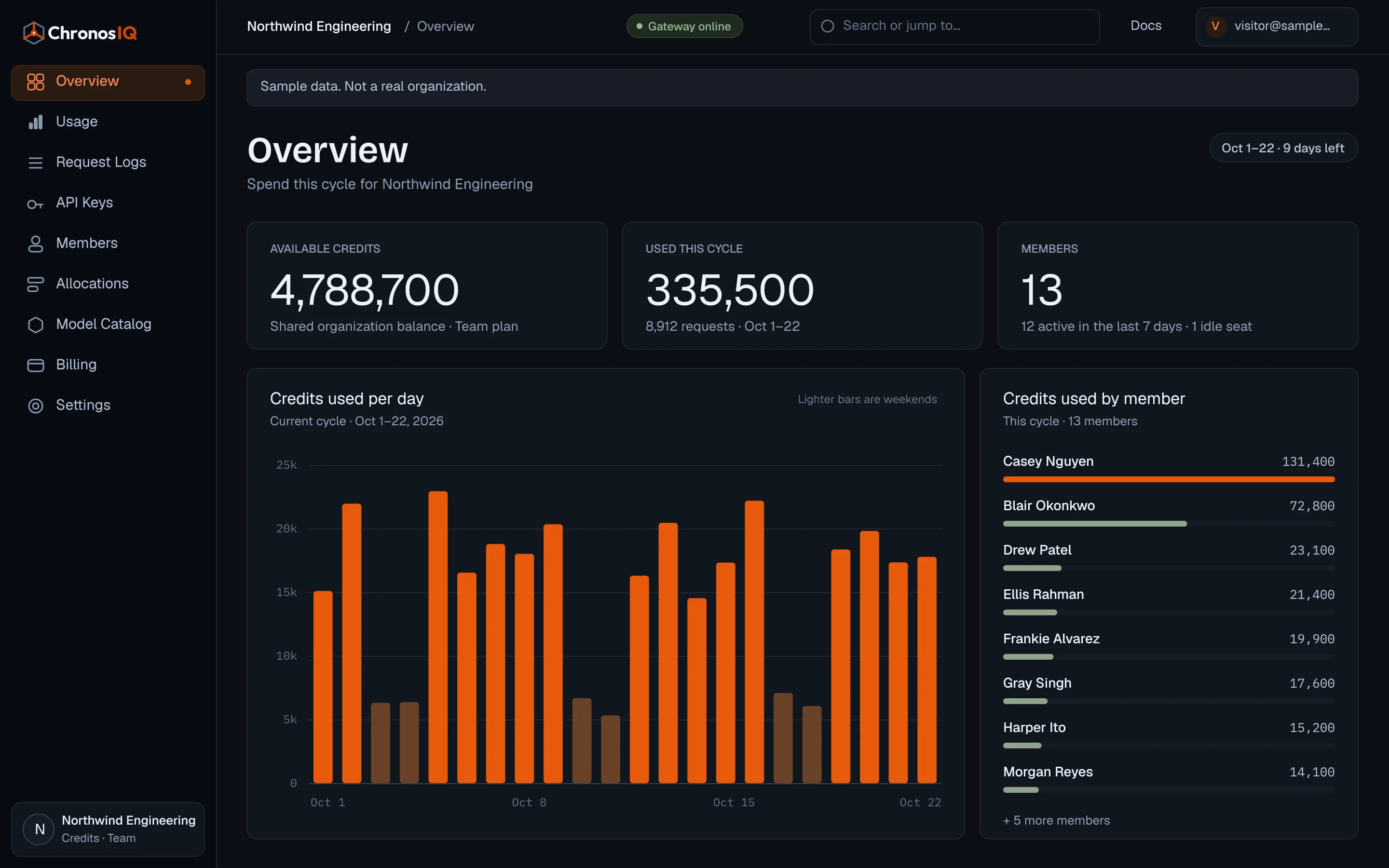
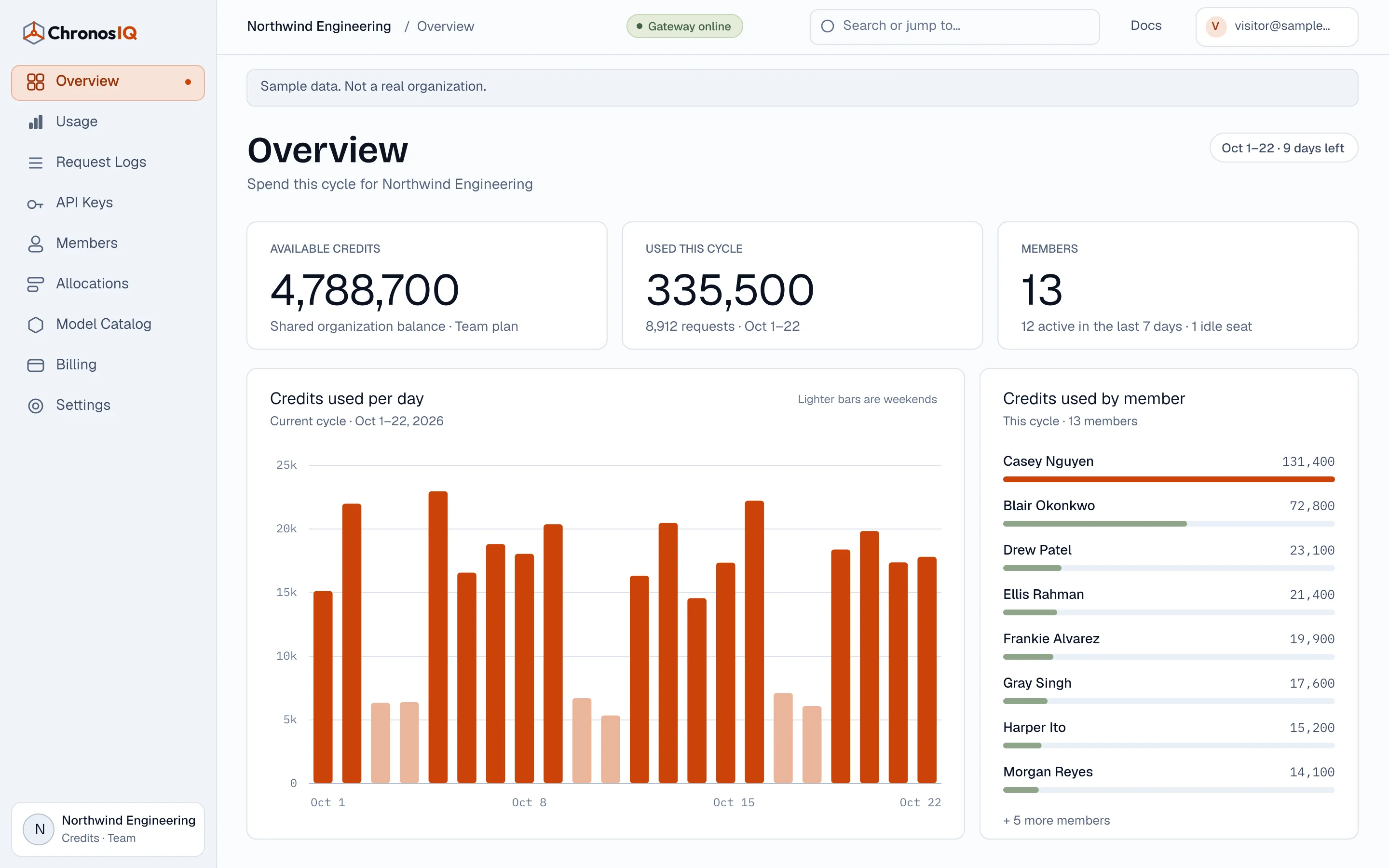
Keep the choice. Lose the sprawl.
One developer uses Claude. Another prefers GPT. Someone is trying a different model. The choice is useful. The scattered accounts, provider keys, and bills are not.
ChronosIQ gives your team a shared way to access coding models, manage credentials, and understand usage—without asking everyone to adopt another editor.
A shared foundation
Access supported coding models through one gateway. Pick a model directly when you know what you want, or use chronos/select for automatic task-based routing.
Explore model accessManage shared team credits and see what is available before approving more usage. Member caps and protected allowances are the next layer of control, currently in development.
See the allocation directionBring model usage and credit consumption into one console. Understand how the team uses its budget, then adjust access as its needs change.
Explore the workspaceConnect compatible clients through our OpenAI-compatible or Anthropic-compatible endpoints. Each setup guide explains the configuration and any known limitations.
Find your setup guideInside the workspace
Access, routing, and usage belong together—not in a spreadsheet assembled at the end of the month.
Manage members and API keys from your organization’s console. Keep model access connected to the team instead of a collection of personal accounts.
Available now
Protected allowances · In development
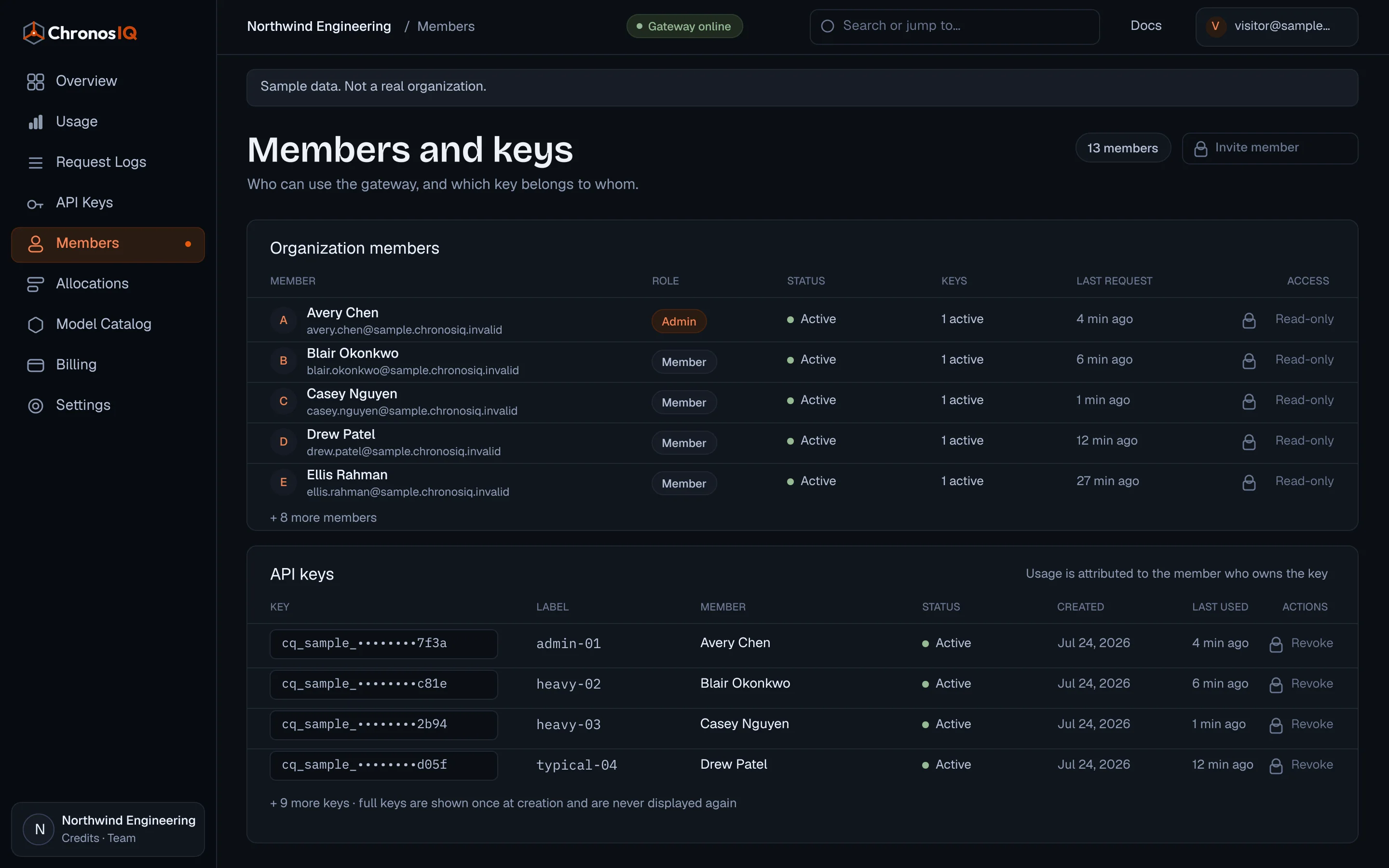
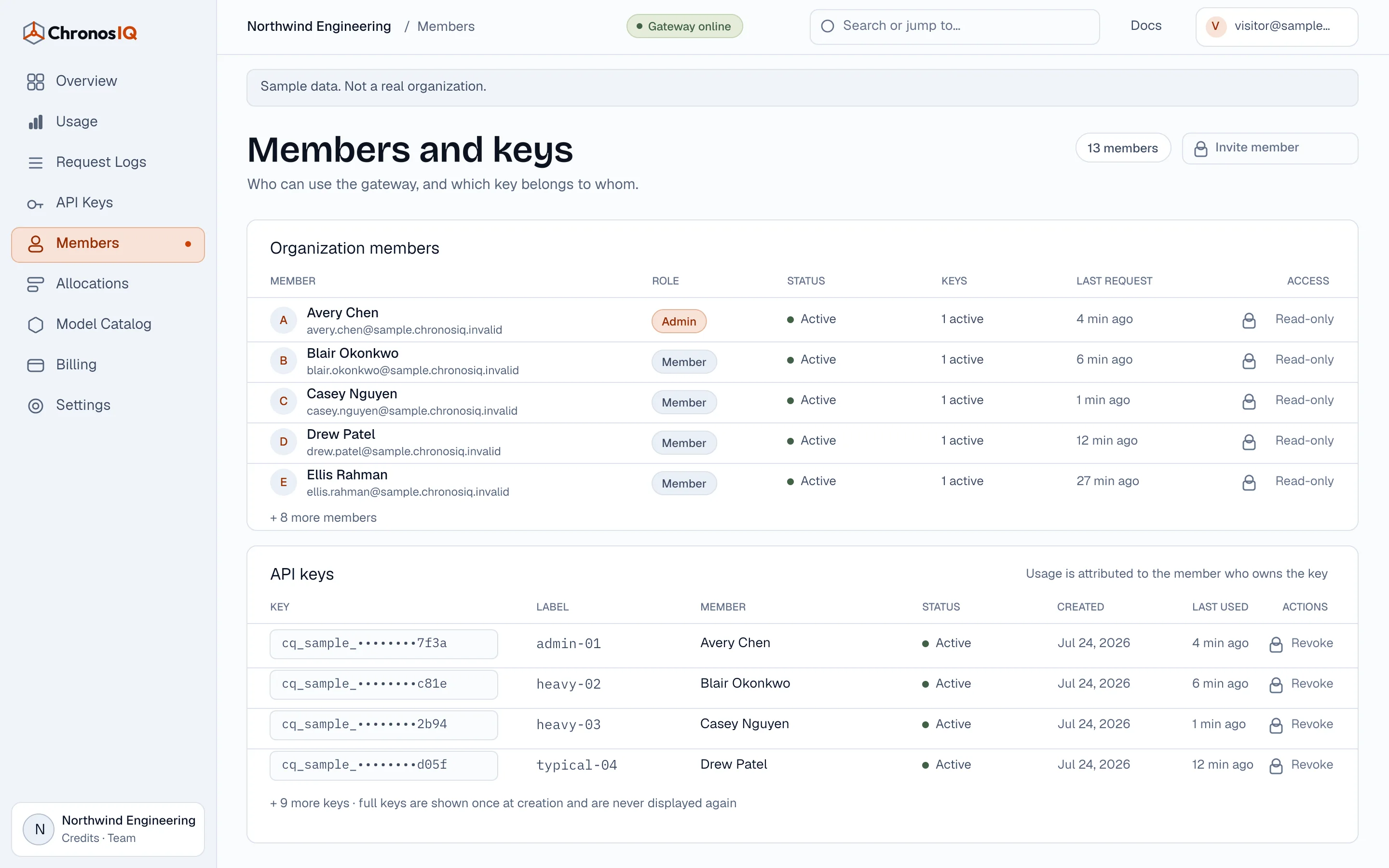
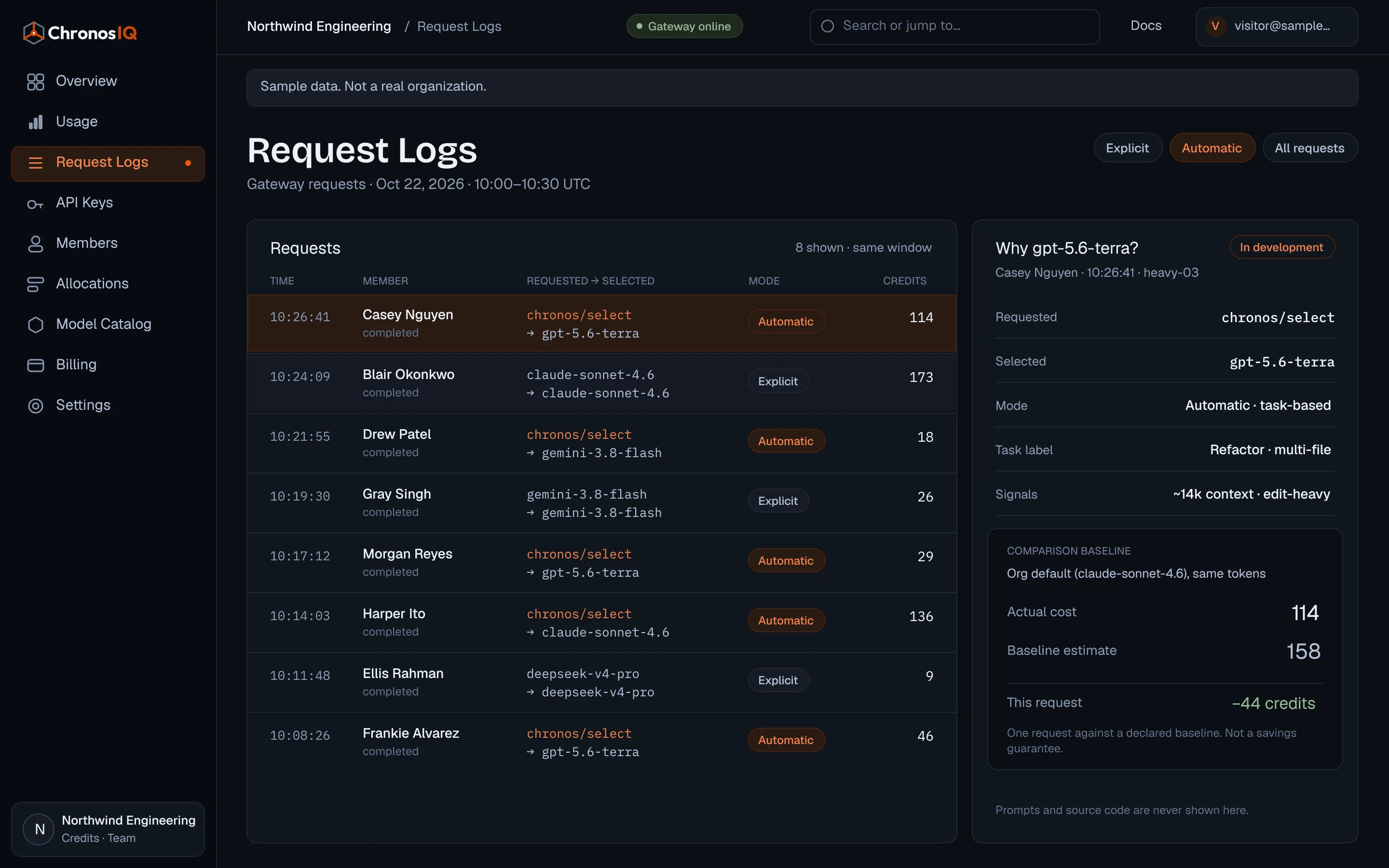
Select a supported model explicitly, or use chronos/select for task-based routing. We’re building clearer evidence so you can understand each selection, not just trust the label ‘automatic’.
Available now
Routing evidence · In development
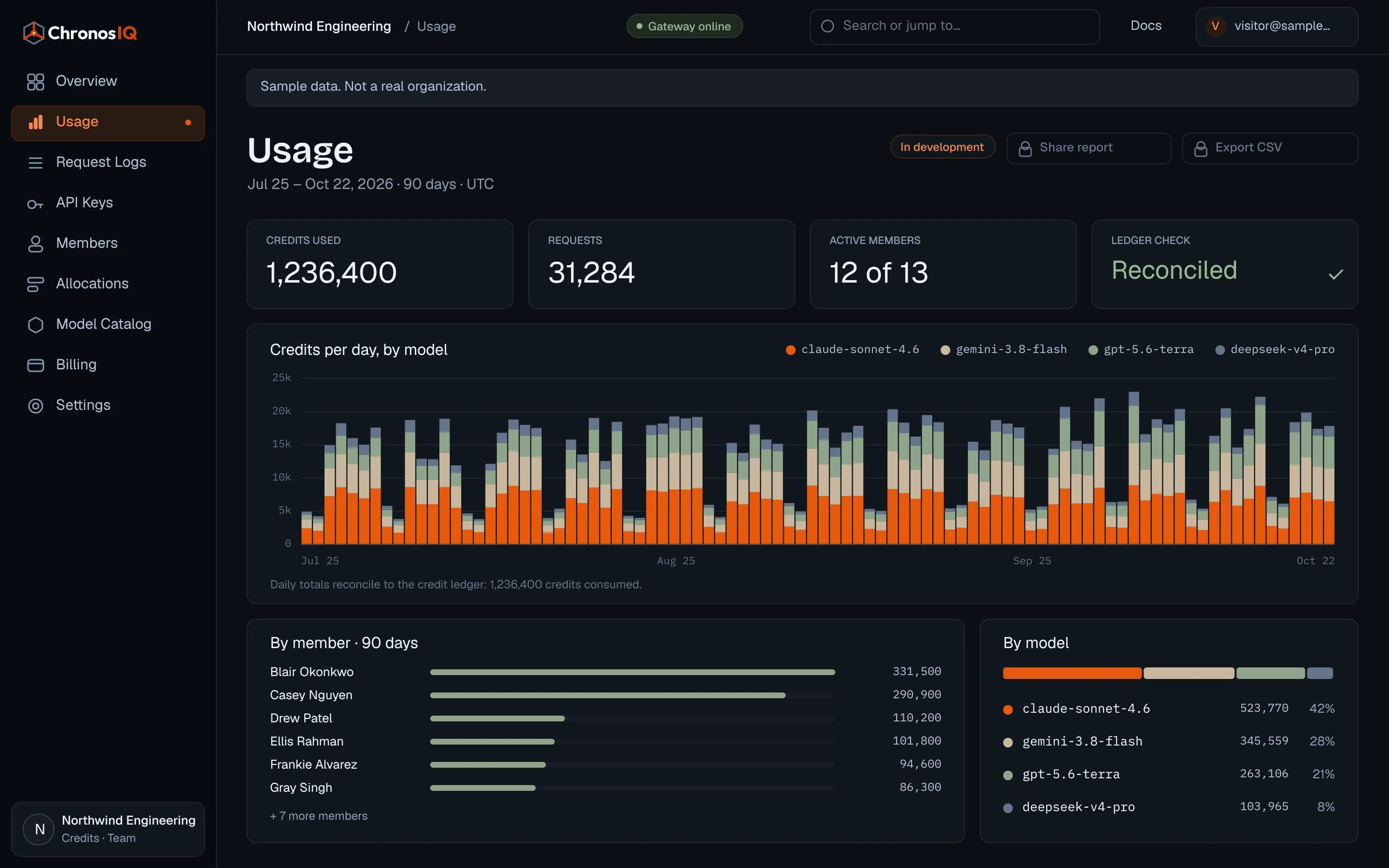
Inspect model usage and credit consumption in the console. Shareable team reports and weekly digests are in development, so the next budget conversation can start with evidence.
Available now
Reports and weekly digests · In development
A read-only workspace to explore without signing up. We’ll link it here when it’s ready.
In development
Some tasks need more model usage than others. That shouldn’t leave the rest of the team without access.
We’re building protected allowances for each developer, a shared reserve for extra capacity, and optional monthly spending caps. A developer can use available shared capacity without spending another person’s protected allowance.
This allocation experience is in development—not included as a shipped capability today.
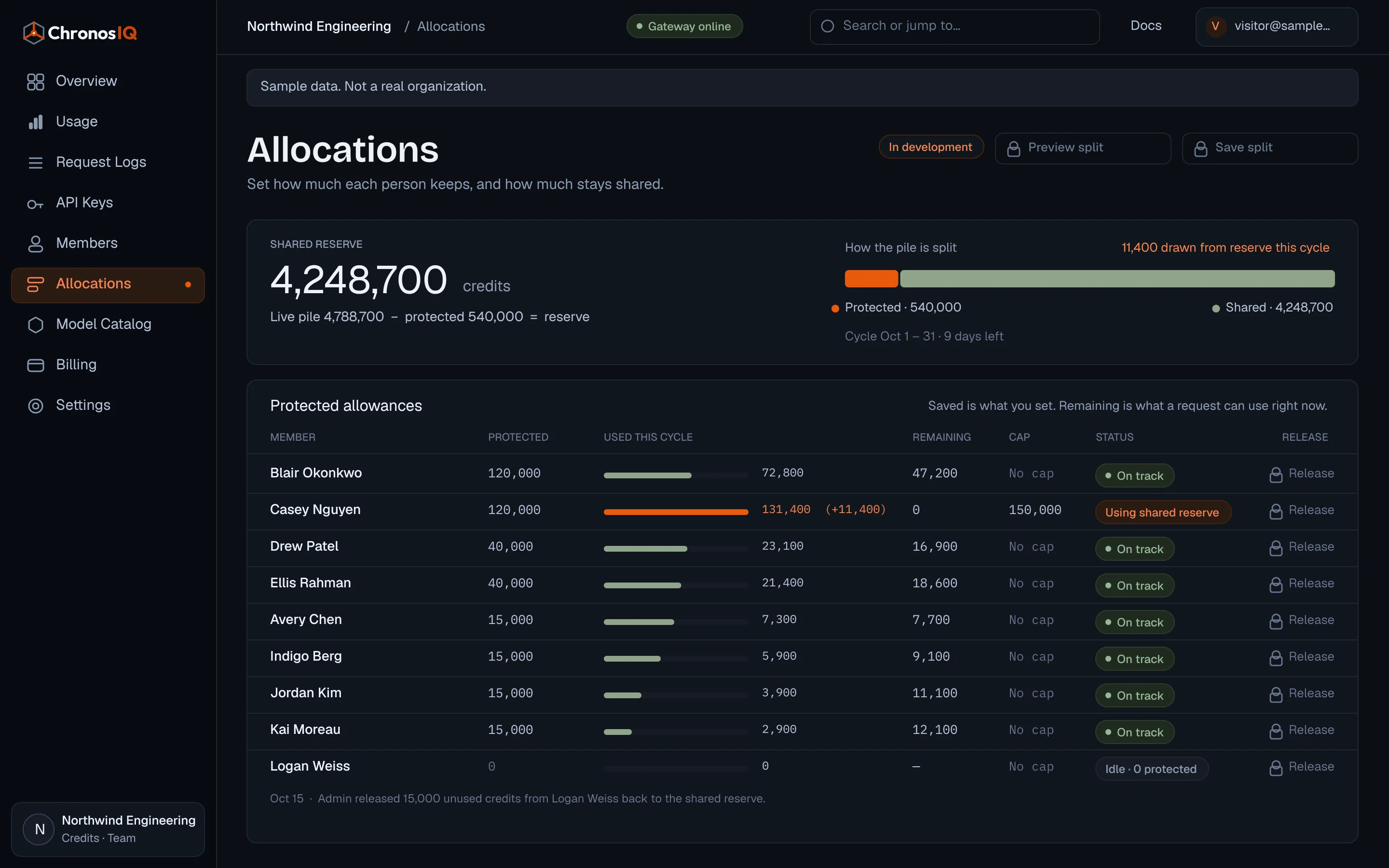
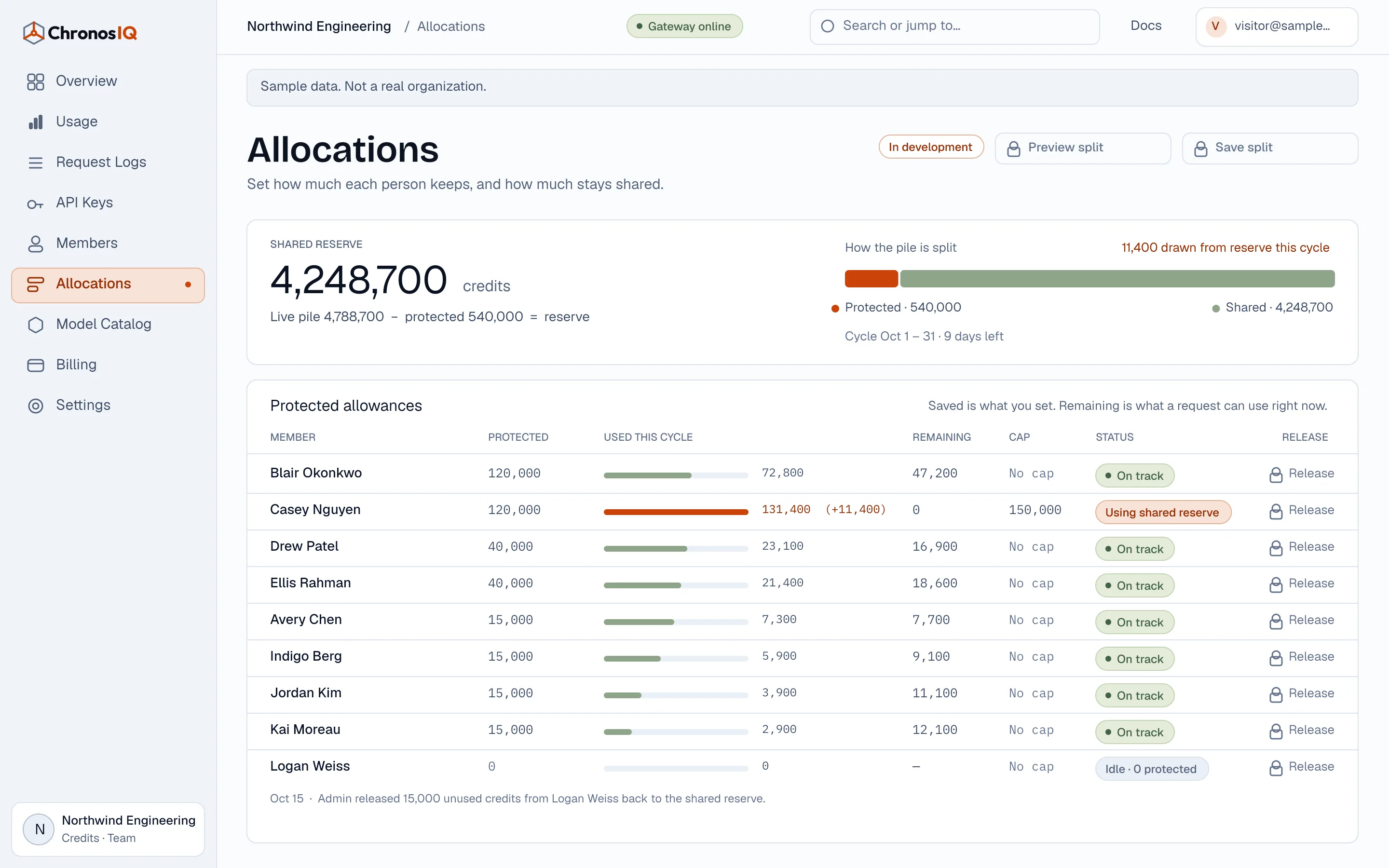
Give each developer a backed share of the team budget.
Keep extra credits available for the people who need them.
Set boundaries without treating every workflow as identical.
Getting connected
Request early access. We’ll review your workflow and discuss availability and setup.
Invite team members, create appropriately scoped API keys, and follow the setup guide for each supported tool.
Track usage and available credits in the console. Adjust access and discuss your team’s usage needs with us.
Trust, with specifics
ChronosIQ sits between your coding tool and the selected upstream model provider. Your code’s journey shouldn’t be a mystery.
Requests are authenticated to your organization before being forwarded upstream.
Where BYOK is agreed, provider credentials are encrypted at rest. The gateway uses them to route your requests.
The selected provider processes your model request. Its data-handling terms matter alongside the ChronosIQ deployment’s policies.
Before onboarding, we review data handling and deployment requirements with you. SSO and expanded roles are in development; no certification or regional data-residency claim is implied.
Choose your starting point
Early access · Pricing not yet announced
Shared access and visibility for engineering teams.
Tell us about your team’s workflow and usage needs.
In developmentComing next: protected allowances and monthly member caps.
For custom deployment and procurement requirements.
Tell us about your deployment and procurement needs.
In developmentSSO and expanded roles are in development, not standard inclusions.
For individuals getting started with AI coding.
Usage allowances will be announced with launch pricing.
For individuals expecting higher model usage.
Usage allowances will be announced with launch pricing.
Individual plan details and usage allowances are still being finalized.
Plan names describe the starting points we’re exploring, not subscriptions available to purchase today. Prices, usage allowances, and billing options are not yet announced.
We’ll share usage rates, credit policies, payment options, and applicable terms before any paid access begins. Early-access availability is reviewed individually; requesting access does not guarantee an account or free usage.
Request early access. Pricing and billing options will be shared before paid access begins. No payment is collected through this form.
Before you decide
Still unsure about your workflow?
Explore the setup guides →Not necessarily. ChronosIQ provides model access and team controls. Your chosen tool may still require its own subscription for certain features. Protocol compatibility is not native feature parity.
Tools supporting the relevant OpenAI-compatible or Anthropic-compatible endpoints may connect. Check our setup guides for tested configurations and limitations, and confirm the workflow during onboarding.
Yes, within the models available to the organization and any applicable access policies. Select a model directly or use chronos/select for task-based automatic routing.
No unlimited-use promise is made. Model usage depends on the selected model and request size. Launch prices, usage allowances, and applicable limits will be shared before paid access begins.
Credits track metered model requests in the gateway. Different models consume credits at different rates. Commercial usage rates and credit policies will be shared before paid access begins; plan allowances are not yet announced.
Additional managed requests requiring credits are blocked when the organization has insufficient credits. Additional-usage and top-up policies will be shared before paid access begins. Self-service top-ups and low-balance alerts are in development.
Protected allowances, a shared reserve, and optional monthly member caps are in development. They are designed so one heavy user cannot spend another developer’s protected allowance. We will identify available controls during onboarding; request-rate limits are not monetary caps.
Content sent by your coding tool passes through ChronosIQ to the selected upstream provider. Review deployment data handling and the provider’s terms before sending sensitive material. We do not claim that every upstream provider has identical retention policies.
BYOK and self-hosting are custom arrangements. Contact us to discuss requirements, deployment scope, and available terms. SSO and expanded roles remain in development.
The product is built around software-team needs, not a country. Early-access availability depends on compatible tools, deployment requirements, and support fit. Pricing and billing options are not yet announced; we’ll share them before paid access begins.
We’ll review your request and contact you about availability, your workflow, and setup. Pricing and billing options will be shared before paid access begins. No payment is collected through this form, and your request does not authorize a charge.
Your next step
Keep the model choice your developers want. Give your team a clearer way to manage access, usage, and spending.
Request early access. Pricing and billing options will be shared before paid access begins. No payment is collected through this form.